

What is Airbook?

Discover a sophisticated analytics platform that consolidates data sources, leverages AI and SQL for analysis, and seamlessly integrates with your existing tools. Empower operational and go-to-market teams to uncover revenue drivers and collaborate on actionable insights efficiently.
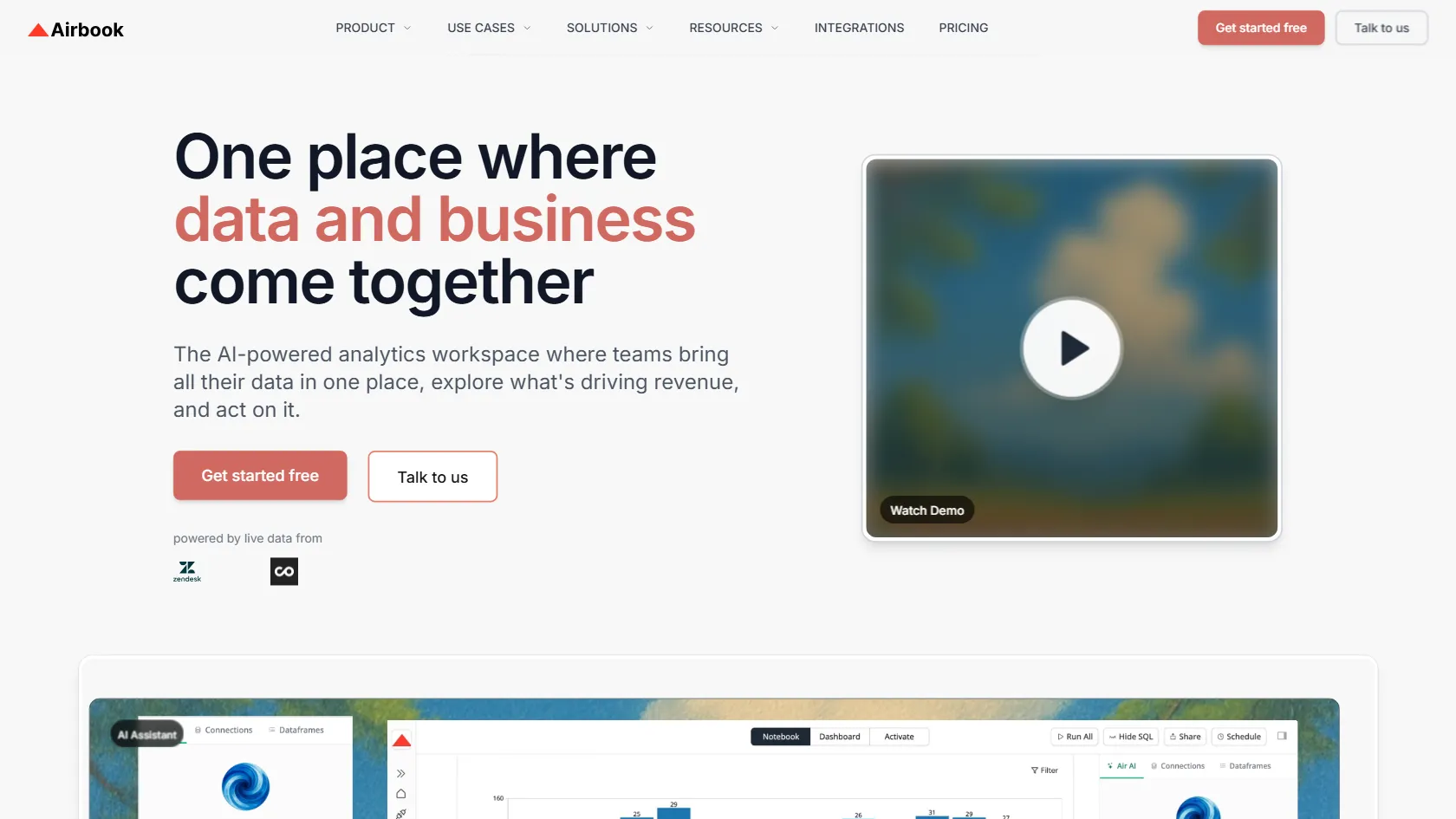
Airbook Features

  • AI Assistant for instant answers to complex questions
  • Centralized data workflow with AI and SQL analysis
  • Unification of data from various tools without engineering
  • Single collaborative workspace for all data insights
  • Effortless, direct connections to clean, actionable data

Airbook Pricing

FREE + Paid Plans
$0 /month
+ Paid tiers available
No Credit Card Required

  • Freemium ($0): This pricing plan includes 10 AI requests per month, access for 1 analyst, connection to 1 database, unlimited viewer access, support for 2 projects, and the ability to create unlimited dashboards.
  • Starter ($99/month): The pricing plan includes 50 AI requests monthly, access for 2 analysts, the choice of 1 Database or 1 Warehouse, unlimited viewers, and unlimited projects and dashboards.
  • Growth ($599/month): The pricing plan includes 100 AI Requests monthly, accommodates 5 analyst seats, with the option to add more at $19 per month each. It offers 1 CRM connection, 1 Database or Data Warehouse integration, Scheduled reports, Data snapshots, a No-code query builder, Cross-source joins, and MCP Access.
  • Scale ($1,499/month): The pricing plan includes 500 AI Requests monthly, 5 analyst seats, the option to add more seats at $19 per month each, selection of any 5 connectors, cross-source insights spanning GTM, support, product, and finance tools, all Growth features, ability to trigger workflows for setting up segments, campaigns, alerts, and more in downstream tools, workspace audit logs, dedicated support for creating the first 2 reports, and the option to add custom destinations.
  • Enterprise (Custom): Included in this pricing plan are custom AI requests and connectors, an unlimited number of analyst seats, business connectors, viewers, projects, and dashboards. You will also have access to all Scale features, dedicated success and support, as well as enterprise-level security and compliance measures.

Use Cases

  • RevOps Teams: Create a centralized funnel dashboard by integrating Salesforce, HubSpot, GA4, Stripe, and product data for tracking conversions and pipeline performance.
  • GTM Teams: Analyze campaign effectiveness, identify potential growth opportunities, and engage users efficiently by launching workflows from a unified workspace.
  • Data Teams: Enable self-service data access by centralizing information from various sources, allowing teams to explore insights using SQL or no-code tools while ensuring data governance.
  • Growth Teams: Develop target audiences and conduct personalized experiments seamlessly within growth platforms.
  • Product Teams: Foster collaboration between GTM and Product teams to gain unified insights and streamline decision-making processes.

Strengths

  • AI Assistant for instant answers to complex questions
  • Centralized data workflow with AI and SQL analysis
  • Unification of data from various tools without engineering
  • Single collaborative workspace for all data insights

Weaknesses

  • Airbook may have limited integrations with other software systems, which could hinder seamless workflow for users who rely on multiple tools.
  • The user interface of Airbook may be complex or overwhelming for new users, requiring a learning curve that could impact adoption rates.
  • The pricing structure of Airbook may be prohibitive for small businesses or individuals with limited budgets, potentially limiting its accessibility to a wider audience.

How Airbook Works

Airbook simplifies data unification for teams by integrating information from various tools like CRMs, product, marketing, and finance systems. Users can ask analytical questions in plain language and receive immediate answers from linked data sources. With Airbook, teams can effortlessly create charts and dashboards in a collaborative workspace, enabling them to act on insights without requiring SQL knowledge.

Frequently Asked Questions (FAQ)

An AI Request refers to any query or task you submit to the AI Assistant for analysis or insights.

Yes, you can add extra connectors to integrate more data sources or seats to allow additional team members to access and collaborate on insights.

Viewer seats can be unlimited, depending on your subscription plan. Check your plan details for specific information on viewer seat limits.

Data activation and workflows encompass the process of leveraging AI and SQL analysis to transform raw data into actionable insights, enabling seamless collaboration and decision-making.

Analyst seats are typically for users who perform in-depth data analysis and create insights, while Viewer seats are for team members who primarily consume and collaborate on the generated insights within the platform.

Airbook Alternatives

Aden logo
Aden
5

AI-native multi-agent ERP platform for business operations.

Paid

An AI security tool to prevent sensitive data leakage.

Paid

AI-powered forms for better data quality and user experience.

Paid

Automate Salesforce tasks with AI for instant results.

Paid