

What is Cubox?

Enhance your reading and study sessions with an AI-powered reader that streamlines article organization, annotations, and highlights. Enjoy a personalized reading experience with AI-generated insights and seamless cross-platform integration for effortless access to your content.
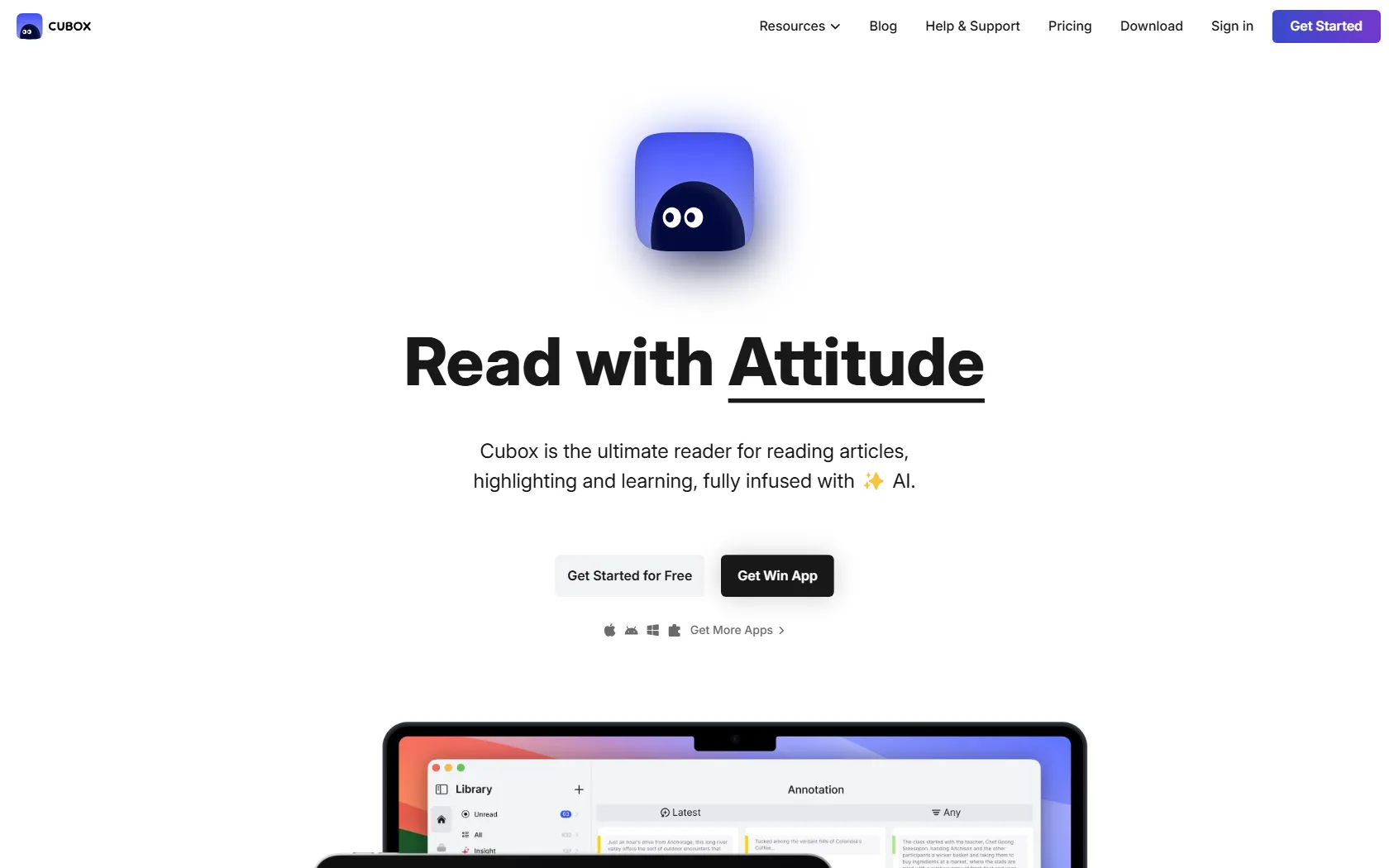
Cubox Features

  • AI Reading Assistant provides summaries and insights
  • Unlimited saves and highlights for in-depth research
  • Customizable reading styles and annotation colors
  • Nested Folders & Tags for efficient content organization
  • Email Drop & API for smooth integration
  • Content Parse and Webpage Snapshot ensure reliable access
  • Sync with Notion & Readwise for increased productivity

Cubox Pricing

FREE + Paid Plans
$0 /month
+ Paid tiers available
No Credit Card Required

  • Cubox Pro+AI ($69/Year): Features of the pricing plan include an AI Reading Assistant, AI Insights with summaries and points, AI Ghost Highlights, Unlimited Saves and Highlights, Content Parse and Webpage Snapshot, Annotation system with diverse colors, Reading with customizable style, Nested Folders & Tags, Email Drop & API, and access to all current and future upgrades.
  • Cubox Pro ($39/Year): Enjoy unlimited saves and highlights, content parsing, and webpage snapshots with our pricing plan. Benefit from annotation tools with multiple highlight colors, customizable reading styles, nested folders and tags, as well as email drop and API integration.

Use Cases

  • Researchers can streamline article organization and annotation for improved study workflow.
  • Students can enhance revision by saving and highlighting educational materials.
  • Writers can streamline the writing process by collecting and annotating references.
  • Professionals can stay updated on industry trends by managing readings and insights.
  • Avid readers can focus on personalized reading experiences by customizing content.

Strengths

  • AI Reading Assistant for summaries and insights
  • Unlimited saves and highlights for in-depth research
  • Nested Folders & Tags for efficient content organization
  • Content Parse and Webpage Snapshot for reliable access
  • Sync with Notion & Readwise for increased productivity

Weaknesses

  • Limited customization options may not meet the specific needs of all users
  • Steeper learning curve for new users unfamiliar with similar tools
  • Reliance on internet connectivity may hinder usage in areas with poor network coverage

How Cubox Works

Cubox simplifies saving articles, highlighting key sections, and providing AI insights with a single click. Users can organize their reading materials using nested tags or folders, perform bulk editing, and sync with Notion & Readwise. This tool is perfect for researchers and enthusiastic readers looking to streamline their reading experience.

Frequently Asked Questions (FAQ)

Cubox Pro/Pro+AI is available for use on desktop platforms such as Windows and Mac, as well as on mobile platforms including iOS and Android.

The Pro membership offers advanced features like unlimited saves, highlights, and customizable reading styles. The Pro+AI membership includes all Pro features along with AI-generated insights and summaries for a more personalized reading experience.

Yes, Cubox offers a free trial for users to experience the features of both Pro and Pro+AI memberships before committing to a subscription.

Yes, existing Pro members can upgrade to the Pro+AI membership to access additional AI-powered features and insights for an enhanced reading experience.

If your membership expires and is not renewed, you will lose access to the premium features of Cubox Pro/Pro+AI. Your saved content and annotations will remain intact, but you will revert to the basic features available in the free version of Cubox.

Cubox Alternatives

Find Active Sponsors by Budget, Industry, and Engagement

Paid

Summarize Long Text in Seconds with Chat Support

Free

Read, summarize, and chat with any PDF in seconds

Free

Online PDF Summarizer for Fast, Accurate Summaries

Paid