
What is Cursecut?

Cursecut is a tool that automatically removes profanity and offensive language from video and audio files. It simplifies the content-cleaning process for creators by eliminating curse words, making content suitable for a broader audience. This software is beneficial for podcasters, YouTubers, media libraries, and other content creators who aim to uphold professional standards without spending hours on manual editing. Cursecut offers precise profanity removal in various languages and file formats, granting content creators flexibility and control. Additionally, it supports batch processing for quicker workflows, making it ideal for extensive media projects or frequent content creation.
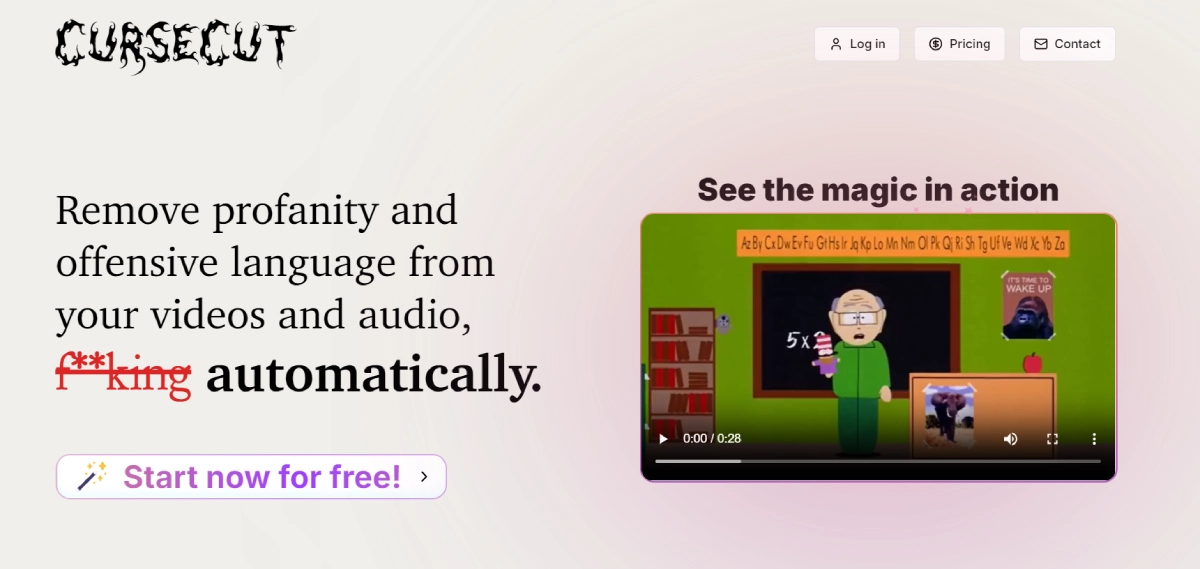

Cursecut Features

  • Wide Format Support: Works with various file types like MP3, WAV, MP4, AVI, MOV, handling files up to 2GB.
  • Batch Processing: Easily clean multiple files simultaneously, perfect for processing series or large collections.
  • Multi-language Support: Detects and filters profanity in over 30 languages, with the option to manually select the language for precise results.
  • Customizable Filters: Define specific words or phrases to censor, allowing for exact or close matches.
  • Censorship Control: Adjust the muting level for each flagged word to maintain context accurately.
  • Multiple Bleep Methods: Choose from beep tones, silence, custom sounds, or audio reversal for censorship.

Cursecut Pricing

Paid Plan

  • Hobby Plan: $9.00/month – 5 hours of content, full feature access, and customer support.
  • Pro Plan: $19.00/month – 12 hours of content, saving 12% compared to Hobby Plan.
  • Studio Plan: $39.00/month – 30 hours of content, saving 28% compared to Hobby Plan.
  • One-time Credits: Starting at $5.00 – 2 to 32 hours of video/audio, with savings up to 39%.
  • Free Trial: $0 per month – 15 minutes of free usage with full feature access.

Use Cases

  • Podcasters: Ensure your podcast episodes are family-friendly by easily removing any inappropriate content, making it suitable for all listeners.
  • YouTubers: Edit your reaction videos or livestreams to be suitable for advertisers, keeping your content authentic while meeting advertiser guidelines.
  • Media Libraries: Organize your media collection professionally to easily share it with a wider audience, ensuring a clean and polished presentation.
  • Multilingual Creators: Quickly clean up content in different languages to cater to your international audience, saving time and effort in the editing process.
  • Documentary Filmmakers: Edit out offensive language from real conversations in your documentaries while maintaining the authenticity and integrity of the original content.

Pros:

  • ✅ Fast and accurate profanity removal across many formats and languages.
  • ✅ Local processing ensures privacy, with no data stored on external servers.
  • ✅ Supports batch processing, saving time on larger projects.
  • ✅ Customizable censorship options allow precise content control.

Cons:

  • ❌ Limited to 30 hours of processing per month on the highest subscription tier.
  • ❌ The 2GB file limit may require segmenting longer or higher-resolution content.

Cursecut Alternatives

Harpa AI logo

Level Up Your Browser with HARPA AI - The Powerful AI Assistant

Paid
Browse AI logo

Extract Website Data with Zero Code

Paid
Bappfy logo
Bappfy
5

Transform data into decisions AI capabilities

Paid
Bursty AI logo

Automate growth with AI workers for SEO, lead generation, and influencer outreach

Paid