
What is Cursor AI?

Cursor AI is a code editor powered by artificial intelligence that enhances coding productivity. It acts as a helpful assistant and code creator, enabling users to write, modify, and organize their code projects with ease. Suitable for developers at any skill level, Cursor automates routine tasks, suggests smart code options, and supports editing in plain language. By using Cursor, users can streamline their coding workflow, receive intelligent coding recommendations, and benefit from a more intuitive editing experience.
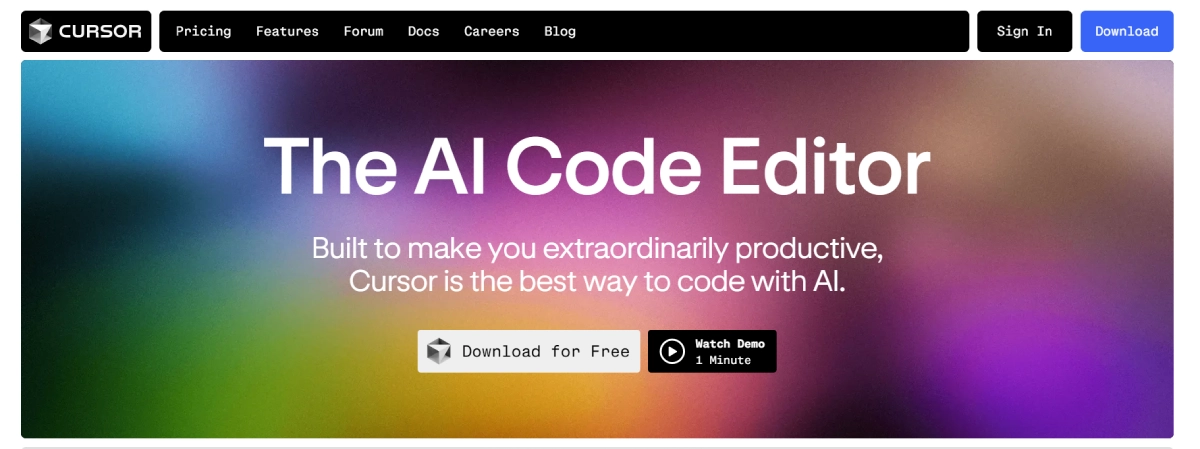
Cursor AI Features

  • Autocomplete and Prediction: Cursor predicts your next edit based on your coding habits.
  • Natural Language Editing: Write or modify code using simple language instructions.
  • Multi-Line Edits: Make bulk code changes faster with suggestions across multiple lines.
  • Chat and Codebase Interaction: AI chat feature interacts with your codebase, answers questions, and provides suggestions.
  • Privacy and Security: Ensures code privacy with SOC 2 certification and privacy mode.
  • Compatibility with VS Code: Import extensions, themes, and keybindings from Visual Studio Code for a familiar experience.

Cursor AI Pricing

Paid Plan

  • Hobby: Free plan – Includes limited features, 2-week trial of Pro features, 2000 code completions, and 50 slow premium requests.
  • Pro: $20 per month – Unlimited code completions, 500 fast premium requests, unlimited slow premium requests, and daily uses of Claude Opus.
  • Business: $40 per user per month – Includes everything in Pro, plus centralized billing, admin usage dashboard, enforced privacy mode, and zero-data retention policies.

Use Cases

  • When working on a tight deadline, you can use the tool to quickly update your code with smart suggestions and commands, saving you time and effort.
  • Imagine being able to automatically create code snippets just by providing some details - perfect for when you're starting a new project and need a head start.
  • Picture this: you're troubleshooting your code and the tool helps you spot and fix potential bugs through a chat-like interface, making the process smoother and more efficient.
  • Need to create project documentation but short on time? Let the AI analyze your codebase and generate documentation for you, so you can focus on coding.
  • Speed up your coding process by using features like multi-line editing and predictive text, allowing you to write code faster and more accurately.

Pros:

  • ✅ Highly Productive: Significantly improves coding speed and accuracy with AI-driven features.
  • ✅ Flexible Pricing: Offers a free tier and scalable pricing plans to fit various needs.
  • ✅ Enhanced Security: Prioritizes user privacy and data security with robust measures.

Cons:

  • ❌ Learning Curve: Users may need time to adapt to the AI features and natural language commands.
  • ❌ Limited Free Features: The free tier has restricted access to premium features and models.

Cursor AI Alternatives

Safurai logo

Transform Your Coding Experience with Safurai

Paid
MarsX AI logo

Build Apps in Days, Not Months

Paid
Codeium logo

Coding Accelerated by AI

Paid

AI Agent Development with Natural Language Programming

Paid