

What is Dewatermark AI?

Dewatermark AI is an online tool that uses advanced AI technology to find and delete watermarks from images. It helps users easily remove various types of watermarks from their photos, making it a great solution for photographers, designers, and anyone looking to quickly eliminate watermarks. This tool offers efficient and effective watermark removal, even for complex watermarks. With Dewatermark AI, users can achieve clean, watermark-free images without hassle.
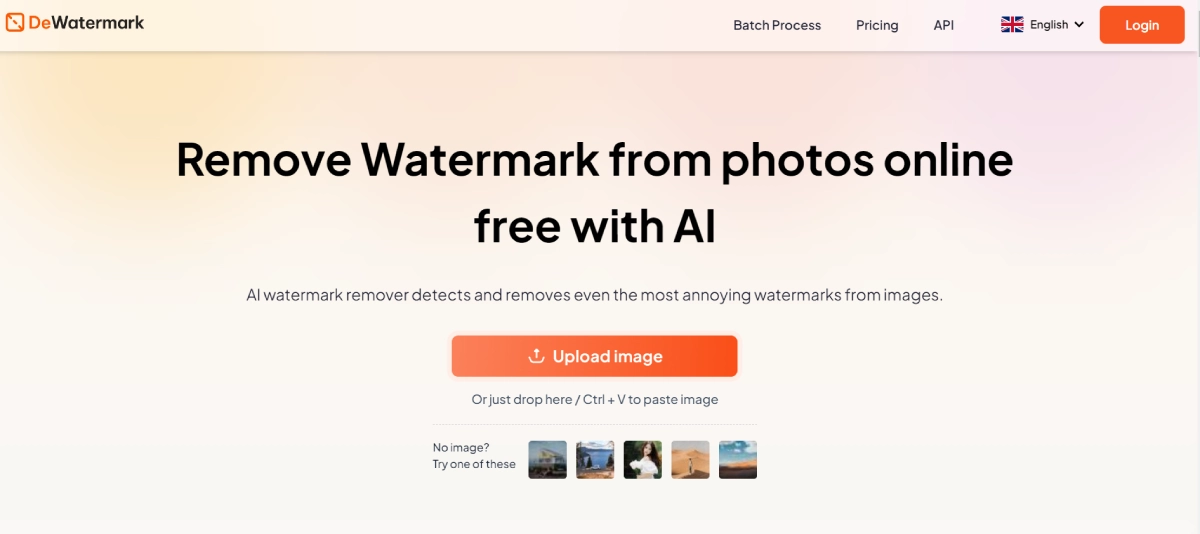
Dewatermark AI Features

  • Automatic Watermark Detection: Utilizes AI to detect and remove watermarks from images automatically.
  • Manual Brush Tool: Offers a manual brush for users to remove any remaining watermark traces for perfection.
  • High-Quality Image Retention: Ensures that the original quality of the image is maintained, with options to download in HD.
  • User-Friendly Interface: Easy to use with drag-and-drop functionality for uploading images.
  • Multi-Device Compatibility: Available on iOS, Android, desktop, and tablet devices.
  • Batch Processing: Allows for the removal of watermarks from multiple images simultaneously in the Pro version.
  • Free Version: Provides basic watermark removal for free, with up to three images processed per day.

Dewatermark AI Pricing

Paid Plan

  • Free: Plan: Remove watermarks from up to three images per day, download HD images, watch ads.
  • Pro: Plan: $7.99/month, unlimited watermark removal, high-resolution downloads, batch processing, ad-free experience, email support.

Use Cases

  • Photographers: Enhance images by removing unwanted watermarks.
  • Graphic Designers: Optimize images for professional purposes without watermarks.
  • Social Media Managers: Eliminate watermarks from photos to create cohesive social media content.
  • Online Sellers: Showcase products without any disruptive watermarks.
  • Content Creators: Improve visual content quality by getting rid of watermarks.

Pros:

  • ✅ Easy-to-use interface with drag-and-drop functionality.
  • ✅ Retains original image quality after watermark removal.
  • ✅ Available on multiple devices.
  • ✅ Offers a free plan for basic needs.

Cons:

  • ❌ Free plan is limited to three images per day.
  • ❌ Ads are present in the free version.
  • ❌ Manual brush tool might require some time for perfect results in complicated cases.

Dewatermark AI Alternatives

AI Generator for Ghibli-Style Images

Free

Create Coloring Pages Unique & Printable Designs

Paid

Upscale Images to Ultra High-Res & Enhance Details

Paid
insMind logo

Streamline Photo Editing for Perfect Product Images

Paid