
What is Dockify?

Elevate your macOS experience with a versatile dock customization tool that streamlines your workflow. Dockify simplifies dock creation and switching, boosts productivity with presets and global hotkeys, and seamlessly integrates with Apple Shortcuts for a more efficient user experience.
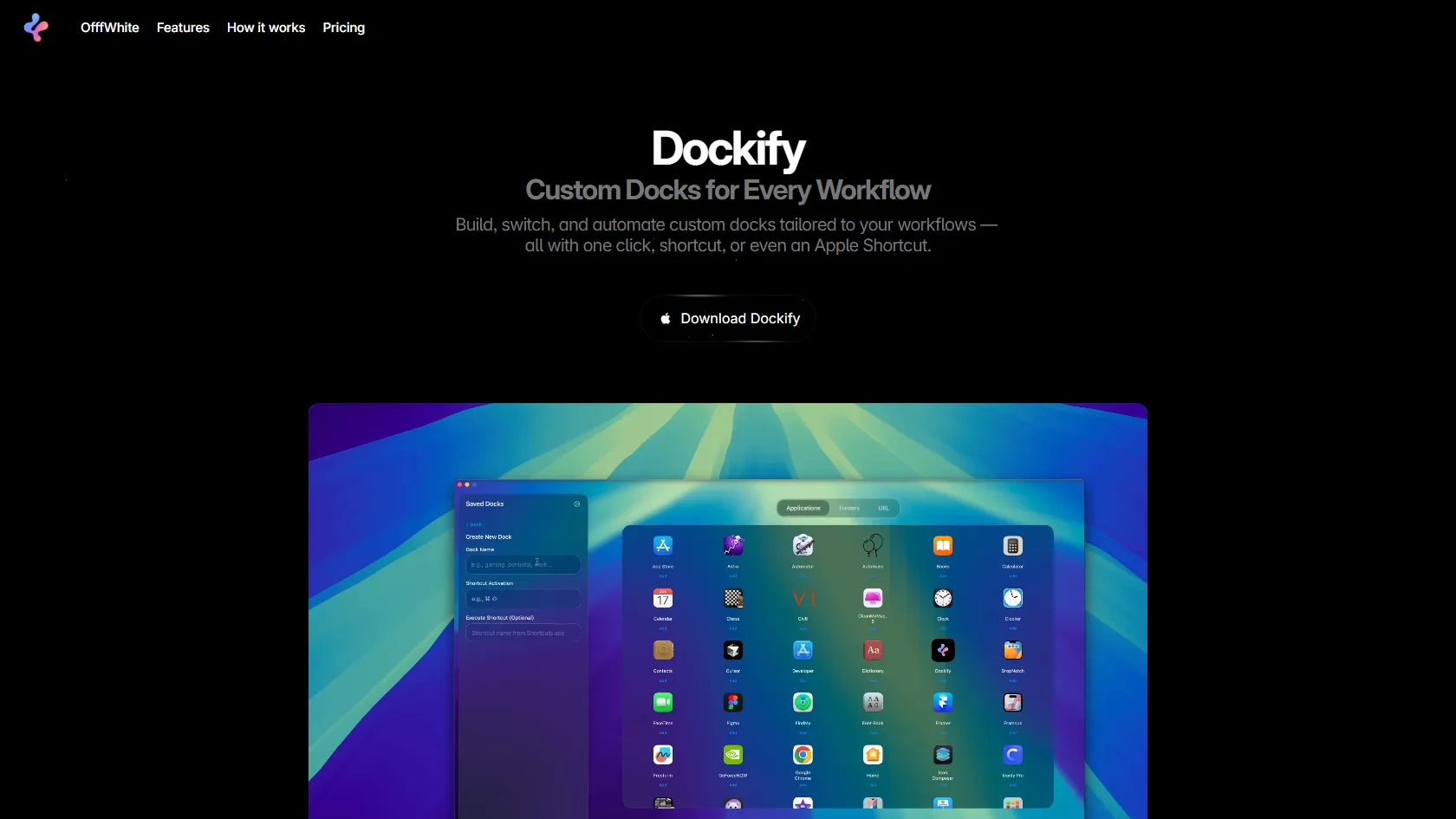
Dockify Features

  • Easily create and save personalized macOS docks with drag-and-drop functionality.
  • Instantly switch between dock presets with one-click actions, global hotkeys, or menu bar access.
  • Automate dock switching using Apple Shortcuts based on triggers like Focus modes or scripts.
  • Effortlessly backup and restore the original macOS dock for flexibility and data security.
  • Run quietly in the background with minimal resource consumption, accessible via the menu bar.
  • Securely store data locally and on iCloud for privacy, with no online data tracking.

Dockify Pricing

Paid Plan

  • Dockify Lifetime ($9.99): Access unlimited custom docks, an unlimited number of Macs, seamless shortcut integration, iCloud synchronization, and receive lifetime updates.

Use Cases

  • Professionals enhance focus by switching to a work-specific dock during office hours.
  • Creatives access design tools like Photoshop or Illustrator through custom docks for efficient project work.
  • Gamers create gaming docks with game launchers and communication apps for immersive play sessions.
  • Students stay organized and productive by setting up study docks with educational apps and resources.
  • Remote workers automate dock changes with Apple Shortcuts for a seamless transition to professional tools.
  • Developers streamline development workflows by using hotkeys to switch between coding and testing environments.

Strengths

  • Streamlines workflow with versatile dock customization
  • Boosts productivity with presets and global hotkeys
  • Seamlessly integrates with Apple Shortcuts
  • Effortlessly backup and restore original macOS dock
  • Securely stores data locally and on iCloud

Weaknesses

  • Limited customization options for advanced users
  • Dependency on internet connection for real-time collaboration features
  • Potential learning curve for new users due to feature-rich interface

How Dockify Works

With Dockify, start by creating a personalized dock with apps, folders, and web links. Apply changes instantly without needing to restart macOS. Easily switch between docks using keyboard shortcuts, the menu bar, or Apple Shortcuts for seamless task management, whether for work, creative projects, or gaming.

Frequently Asked Questions (FAQ)

Dockify is a versatile dock customization tool for macOS that allows you to create, save, and switch between personalized docks effortlessly.

No, Dockify provides the option to backup and restore your original macOS dock, ensuring that your data remains secure and intact.

Yes, Dockify runs quietly in the background with minimal resource consumption, accessible through the menu bar for convenient access.

Yes, Dockify prioritizes data privacy by securely storing your information locally and on iCloud without any online data tracking.

Yes, Dockify offers the convenience of using global hotkeys and keyboard shortcuts to switch between dock presets, enhancing your workflow efficiency.

Dockify Alternatives

Find Active Sponsors by Budget, Industry, and Engagement

Paid

Summarize Long Text in Seconds with Chat Support

Free

Read, summarize, and chat with any PDF in seconds

Free

Online PDF Summarizer for Fast, Accurate Summaries

Paid