

What is Fenn?

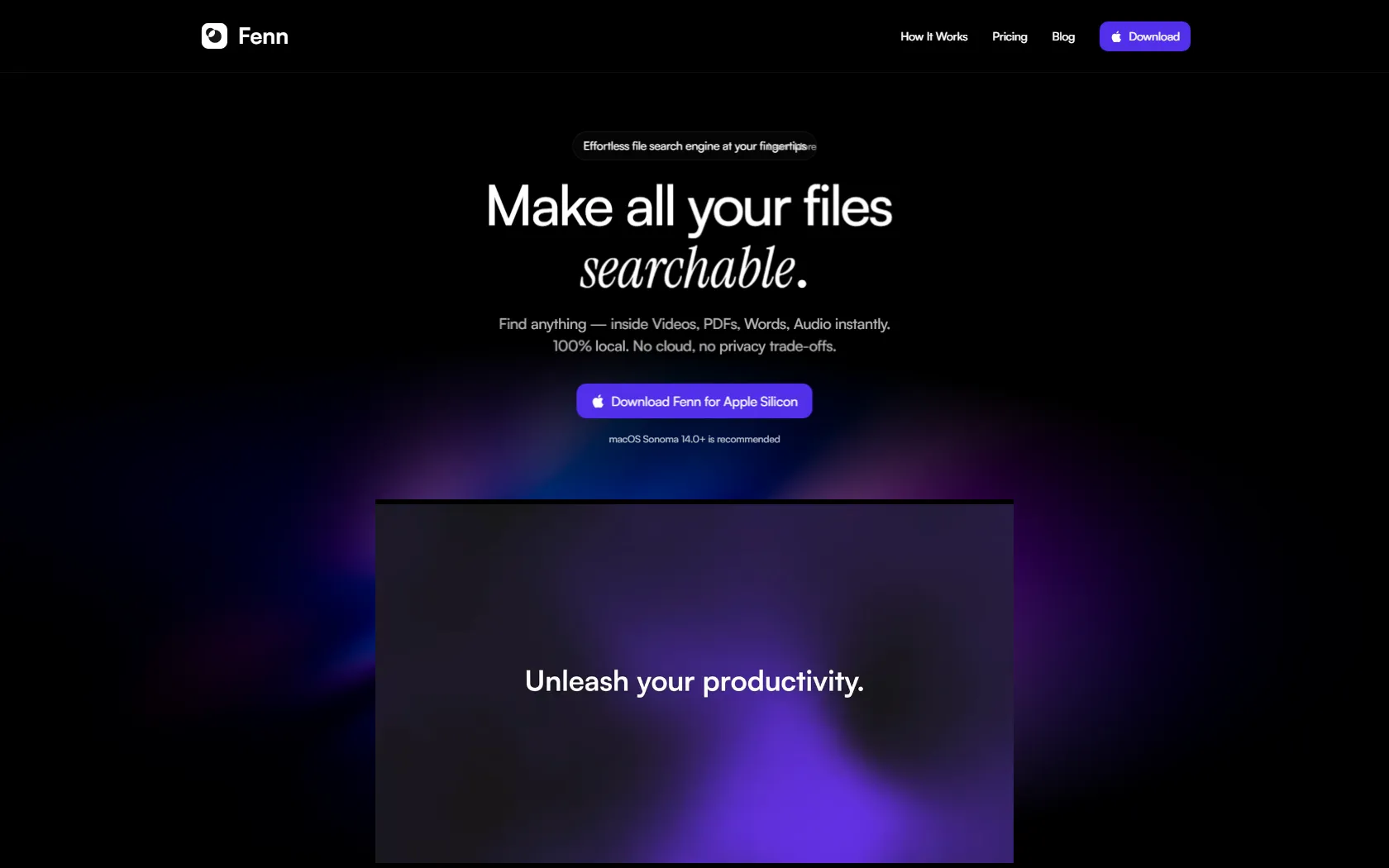
Discover a powerful local search engine that swiftly locates content within various file types on your Mac. With advanced AI technology, Fenn ensures quick and secure searches without compromising your privacy by operating solely on your device.
Fenn Features

  • Find files quickly on your device without needing the cloud
  • Get fast search results with AI technology
  • Access PDFs, Word documents, videos, and audio files effortlessly
  • Ensure your privacy with 100% local operation
  • Use keyboard shortcuts for speedy navigation
  • Set up easily in just three simple steps
  • Compatible with macOS Sonoma 14.0 and above

Fenn Pricing

Paid Plan

  • Standard ($9/month): Straightforward pricing with access to all Fenn features.
  • Annual ($179): This pricing plan includes all Fenn features, lifetime updates, and installation on one personal device, with billing processed in a single annual payment.

Use Cases

  • Researchers: Easily locate specific sections in large PDFs and Word documents.
  • Video editors: Quickly find exact moments in video files without manual scrubbing.
  • Students: Efficiently search through lecture notes and audio recordings.
  • Writers: Easily find references in their documents and research materials.
  • Professionals: Organize and access files from cloud services like Google Drive and Dropbox locally.

Strengths

  • Fast and efficient local file search without cloud dependency
  • Advanced AI technology for swift search results
  • Seamless access to various file types such as PDFs, Word documents, videos, and audio files
  • Complete privacy protection through 100% local operation
  • Easy setup in just three simple steps

Weaknesses

  • Fenn's accuracy may be affected by variations in data quality or completeness, leading to potential inaccuracies in its insights.
  • The tool's effectiveness could be limited by its reliance on historical data, potentially missing real-time trends or sudden changes in the market.
  • Users may require training to fully utilize Fenn's features, which could pose a challenge for those with limited technical expertise.

How Fenn Works

To use Fenn: 1. Download the Fenn app. 2. Index your files within the app. 3. Use the keyboard shortcut to initiate a search. 4. Fenn scans documents, videos, audio, and images for instant searchability. 5. Quickly find the files you need when you need them.

Frequently Asked Questions (FAQ)

No, Fenn operates solely on your device, ensuring that all searches are conducted locally without sending any data to a cloud provider.

After the first year, you will continue to have access to Fenn's search capabilities, but you will no longer receive updates unless you choose to purchase additional update packages.

Fenn offers a refund policy within a specified period after purchase. Please refer to the terms and conditions for detailed information on the refund process.

Fenn is compatible with macOS Sonoma 14.0 and above, ensuring that users with these versions can enjoy the benefits of this powerful local search engine.

Fenn is designed to search for files stored locally on your Mac device. It does not have the capability to search files stored in cloud services.

Fenn Alternatives

Find Active Sponsors by Budget, Industry, and Engagement

Paid

Summarize Long Text in Seconds with Chat Support

Free

Read, summarize, and chat with any PDF in seconds

Free

Online PDF Summarizer for Fast, Accurate Summaries

Paid