

What is Mimic PC?

Mimic PC enables you to effortlessly run and oversee various AI applications and models through its cloud-based platform. Say goodbye to installation headaches and complex setups. With an intuitive interface and reliable features, Mimic PC simplifies your AI experience, allowing you to concentrate on being creative and productive. Tailored pricing plans are available to meet your requirements.
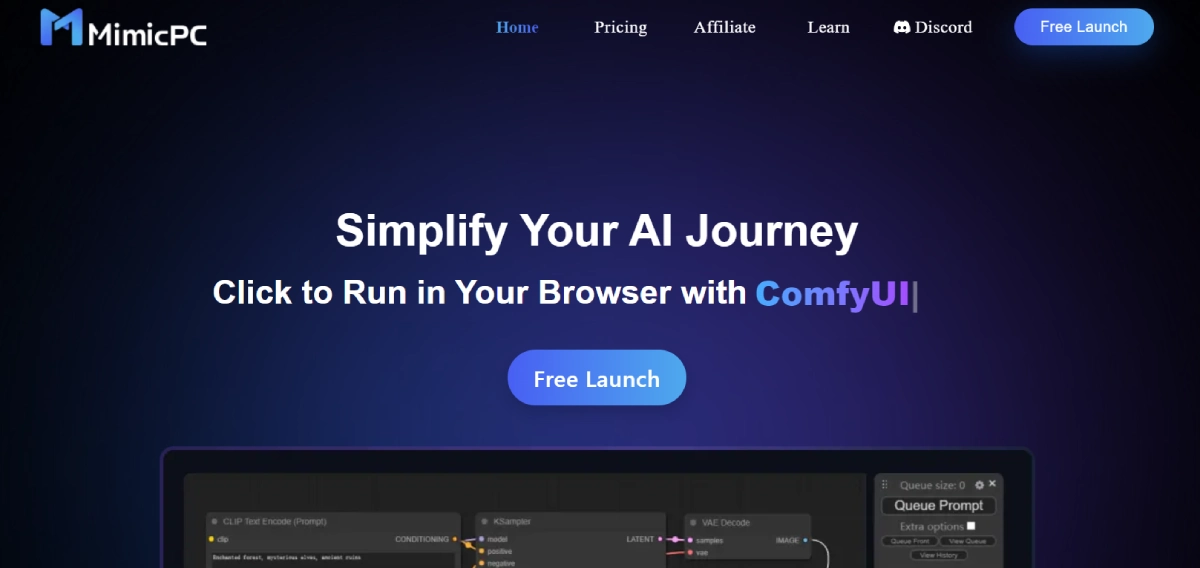
Mimic PC Features

  • Launch Without Installation: Start using AI apps with a single click, eliminating the need for time-consuming installations or configurations.
  • 20+ Pre-Deployed AI Apps: Access a diverse collection of pre-installed AI apps, including Stable Diffusion, ComfyUI, Fooocus, FaceFusion, and more, without any setup required.
  • 24/7 File Management: Seamlessly access and manage your AI models anytime, with cloud uploads and one-click deployment for enhanced convenience.
  • Performance Optimization: Adjust computing power to ensure smooth app performance, ensuring efficiency and optimal resource utilization.
  • Cloud-Based Settings: Store and access app settings in the cloud, enhancing security and enabling seamless work across multiple devices.
  • Energy-Saving Mode: Intelligent energy-saving monitors GPU usage, automatically conserving energy and reducing costs.

Mimic PC Pricing

Paid Plan

  • Medium Plan: $0.49/hour, suitable for all MimicPC apps, with 16GB VRAM and a batching size of Large.
  • Large Plan: $0.99/hour, providing a more efficient working experience with 24GB VRAM and a Very Large batching size.

Use Cases

  • AI Image Generation: Utilize powerful tools such as Automatic1111 WebUI, ComfyUI, and Fooocus to effortlessly create impressive AI-generated images.
  • Face Swapping and Enhancement: Experience FaceFusion, an advanced face swapping and enhancing tool that produces realistic, top-notch results using deep learning technology.
  • Conversational AI: Interact with Ollama-Webui, a scalable and user-friendly model dialogue platform, or Chatbot-Ollama, a chat UI designed for Ollama that is open-source.
  • Voice Conversion: Make use of RVC (Retrieval-based Voice Conversion), a sophisticated voice conversion system built on VITS, for seamless and effective voice modifications.

Mimic PC Alternatives

Find Active Sponsors by Budget, Industry, and Engagement

Paid

Summarize Long Text in Seconds with Chat Support

Free

Read, summarize, and chat with any PDF in seconds

Free

Online PDF Summarizer for Fast, Accurate Summaries

Paid