What is Veo3 Bot?

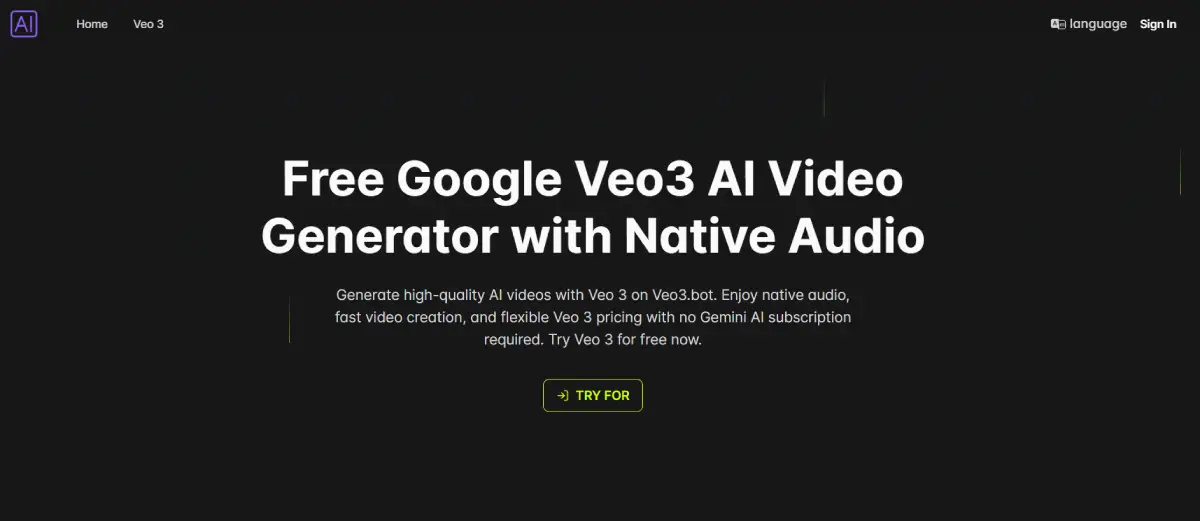
Veo3 Bot enables users to create high-quality videos swiftly using Google’s Veo 3 engine. This web-based platform supports text-to-video and image-to-video conversion with native audio integration for immersive outcomes. Ideal for creators, marketers, educators, and developers, Veo3 Bot streamlines video production without requiring a Gemini subscription. Its core function is transforming user prompts into refined videos with synchronized audio and lifelike animations. Offering professional visuals, accurate lip sync, and versatile applications, Veo3 Bot caters to various creative and commercial needs. Whether for social media influencers or enterprise teams, this tool delivers rapid, top-notch video content creation.
Veo3 Bot Features

  • Native audio generation with synchronized voiceovers and ambient sounds
  • Advanced lip sync for lifelike dialogue and animations
  • 1080p high-resolution video output available in Ultra/Pro plans
  • Realistic lighting, water, and motion physics for immersive visuals
  • Supports text-to-video and image-to-video workflows
  • Access to Veo 3 and Veo 3 Fast models for quality or speed optimization

Veo3 Bot Pricing

FREE + Paid Plans
$0 /month
+ Paid tiers available
No Credit Card Required

Free Plan: Try Veo 3 (FREE 20 Credits) with watermarked videos for personal use. Basic Plan: $9.9/month; 720p video resolution; up to 2 concurrent jobs; commercial use. Pro Plan: $49.9/month; 1080p video resolution; up to 4 concurrent jobs; priority support. Ultra Plan: $99.9/month; 1080p video resolution; up to 6 concurrent jobs; premium support. Save up to 40% with annual subscriptions. All plans work independently of Gemini AI. Unlimited video storage included in all paid plans.

Use Cases

  • Sarah, a social media influencer, uses the tool to create engaging content for her YouTube, Instagram, and TikTok followers.
  • John, a marketing manager, relies on the tool to produce eye-catching product demos, ads, and explainer videos for his company's marketing campaigns.
  • Emily, a teacher, uses the tool to create interactive and informative learning materials for her students to enhance their understanding of complex topics.
  • Alex, a software developer at a startup, integrates the tool into their app to enable users to generate personalized video content easily.
  • Anna, a graphic designer, uses the tool to quickly prototype visual concepts for client projects, saving time and effort in the design process.

Pros:

  • ✅ Fast, intuitive workflow for generating videos from text or images
  • ✅ High-quality, synchronized native audio output
  • ✅ Flexible pricing with no forced long-term commitments
  • ✅ Commercial rights and watermark-free downloads on paid plans
  • ✅ Developer API for integration into apps and platforms

Cons:

  • ❌ Free plan videos include watermarks and are public
  • ❌ Maximum video length is limited to 8 seconds
  • ❌ p resolution only available on Pro and Ultra plans

Veo3 Bot Alternatives

Try Google Veo 3 Free Online

Paid

Affordable Veo 3 API with Fast/Turbo & Quality Modes

Paid

Generate Realistic Videos with Synchronized Audio

Paid
Wrpup logo
Wrpup
5

Condense Long Videos to Essential Information

Free