What is Edimakor Video Editor?

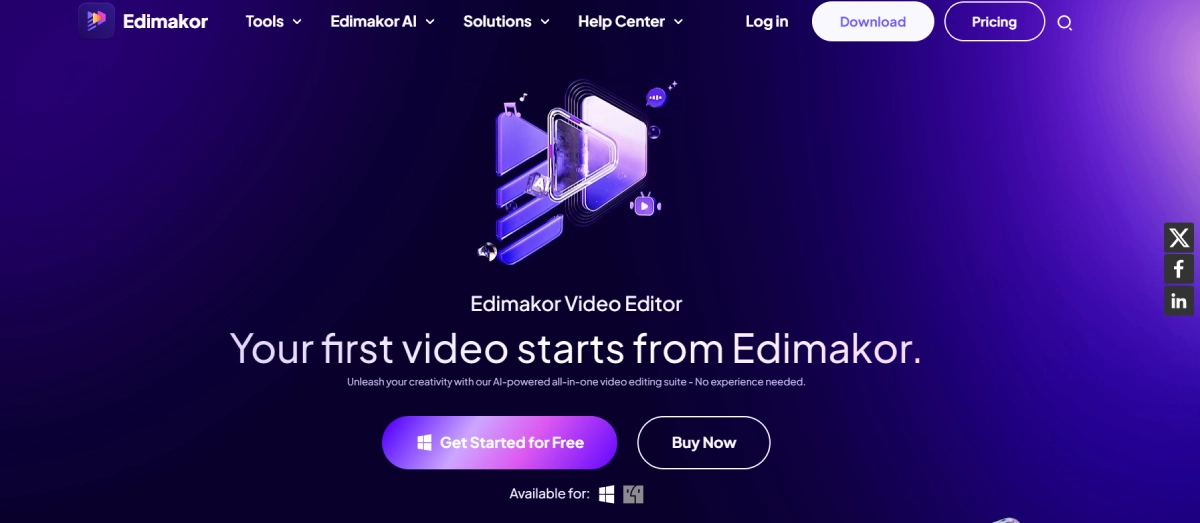
Edimakor Video Editor is a comprehensive video editing tool that simplifies the video creation process for users of all skill levels. With a user-friendly interface, it offers features like basic video cutting and merging, as well as advanced AI capabilities such as script generation and text-to-speech conversion. The platform provides access to a wide range of stock assets and visual effects, enabling users to effortlessly create professional-grade videos. Edimakor ensures an easy editing experience with its reliable suite of features, making it ideal for content creators, businesses, educators, and casual users. Additionally, it offers three pricing plans that include export without watermark, 4K video support, access to all creative assets, commercial rights, and 24/7 priority support.
Edimakor Video Editor Features

  • AI Script Generator: Automatically generate compelling video scripts.
  • AI Speech to Text: Convert spoken words into text for easy subtitle creation.
  • AI Text to Speech: Transform text scripts into lifelike audio narration.
  • AI Background Remover: Remove or change video backgrounds seamlessly.
  • AI Copywriting: Generate engaging and effective copy for videos.
  • AI Video Stabilization: Ensure smooth and stable video footage.
  • Stock Media Library: Access over 100 million stock media assets.
  • Visual Effects: Enhance videos with thousands of cinematic effects.
  • Comprehensive Editing Tools: Includes video cutting, merging, rotating, cropping, speed adjustments, and more.

Edimakor Video Editor Pricing

Paid Plan

  • 1-Month Plan: $19.95 per month, includes 300 AI Credits.
  • 1-Year Plan: $49.95 per year, includes 1000 AI Credits.
  • Perpetual Plan: $69.95 one-time payment, includes 3000 AI Credits.

Use Cases

  • Influencers: Generate compelling content for social media channels efficiently.
  • Businesses: Easily create top-notch marketing and sales videos.
  • Lifestyle Content: Enhance personal videos, such as travel vlogs and family gatherings.
  • Educators: Craft educational videos to enhance the learning journey.

Pros:

  • ✅ User-friendly interface
  • ✅ Extensive library of stock media and visual effects
  • ✅ Advanced AI-driven features
  • ✅ Flexible pricing plans
  • ✅ Suitable for all skill levels

Cons:

  • ❌ AI features consume credits, which may require additional purchases
  • ❌ Limited to one device per license

Edimakor Video Editor Alternatives

Veo3 Bot logo

Free Access to Google Veo 3 AI Video Generation with Native Audio

Paid

Try Google Veo 3 Free Online

Paid

Affordable Veo 3 API with Fast/Turbo & Quality Modes

Paid

Generate Realistic Videos with Synchronized Audio

Paid