
What is Github Copilot?

GitHub Copilot helps developers by providing AI-powered contextual assistance during the software development lifecycle. This tool offers code completions, chat support, code explanations, and answers to documentation queries directly within popular integrated development environments like Visual Studio Code and JetBrains IDEs. By easily integrating with leading editors, GitHub Copilot enhances the developer experience, enabling them to focus on innovation and quality while accelerating the software development process.
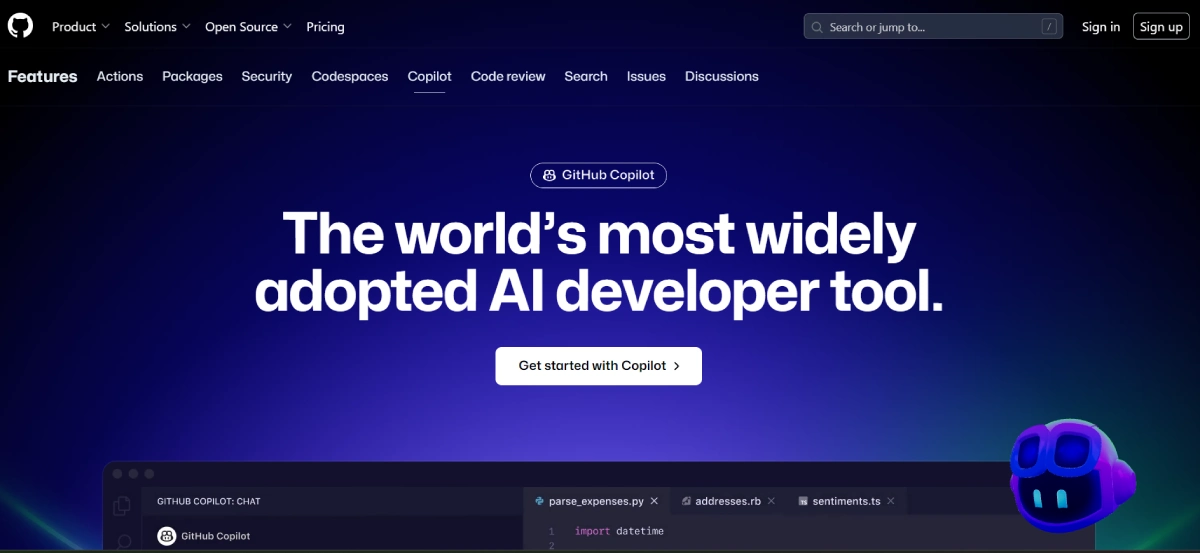
Github Copilot Features

  • Contextualized Code Completions: Offers real-time code suggestions that are relevant to the current project and coding context.
  • Integrated Chat Assistance: Provides chat-based assistance within the IDE, offering explanations and guidance on coding challenges.
  • Code Explanations and Documentation: Delivers in-depth explanations of code snippets and direct answers to documentation queries within GitHub.
  • Wide IDE Compatibility: Compatible with leading editors including Visual Studio Code, Visual Studio, JetBrains IDEs, and Neovim.
  • Native GitHub Integration: Unlike other AI coding assistants, GitHub Copilot is natively built into GitHub, ensuring a seamless experience.

Github Copilot Pricing

Paid Plan

Plans start at $4/Month

Use Cases

  • Accelerating Software Development: Assists developers in writing code more quickly through real-time suggestions and completions.
  • Enhancing Code Quality: Provides guidance and explanations to enhance the overall quality of the developed code.
  • Streamlining Project Collaboration: Simplifies collaboration among team members by offering a shared tool for code assistance and documentation.

Pros:

  • ✅ Speeds up the coding process by providing contextualized code completions.
  • ✅ Enhances the developer experience with integrated chat assistance and documentation.
  • ✅ Supports a wide range of IDEs, making it versatile for different development environments.
  • ✅ Directly integrated into GitHub, offering a seamless user experience.

Cons:

  • ❌ Chat assistance is currently limited to Visual Studio Code and Visual Studio, with a beta version for JetBrains IDEs.
  • ❌ May require developers to have a certain level of understanding to effectively utilize the AI's suggestions.

Github Copilot Alternatives

Safurai logo

Transform Your Coding Experience with Safurai

Paid
MarsX AI logo

Build Apps in Days, Not Months

Paid
Codeium logo

Coding Accelerated by AI

Paid
Cursor AI logo

Boost Your Coding Efficiency with AI-Driven Code Editing

Paid