

What is MyLens?

Enhance your data summarization with MyLens AI, a powerful tool that converts raw ideas and complex documents into interactive visuals such as mindmaps, timelines, and flowcharts. Simplify complex information effortlessly and elevate your presentations with AI-driven insights.
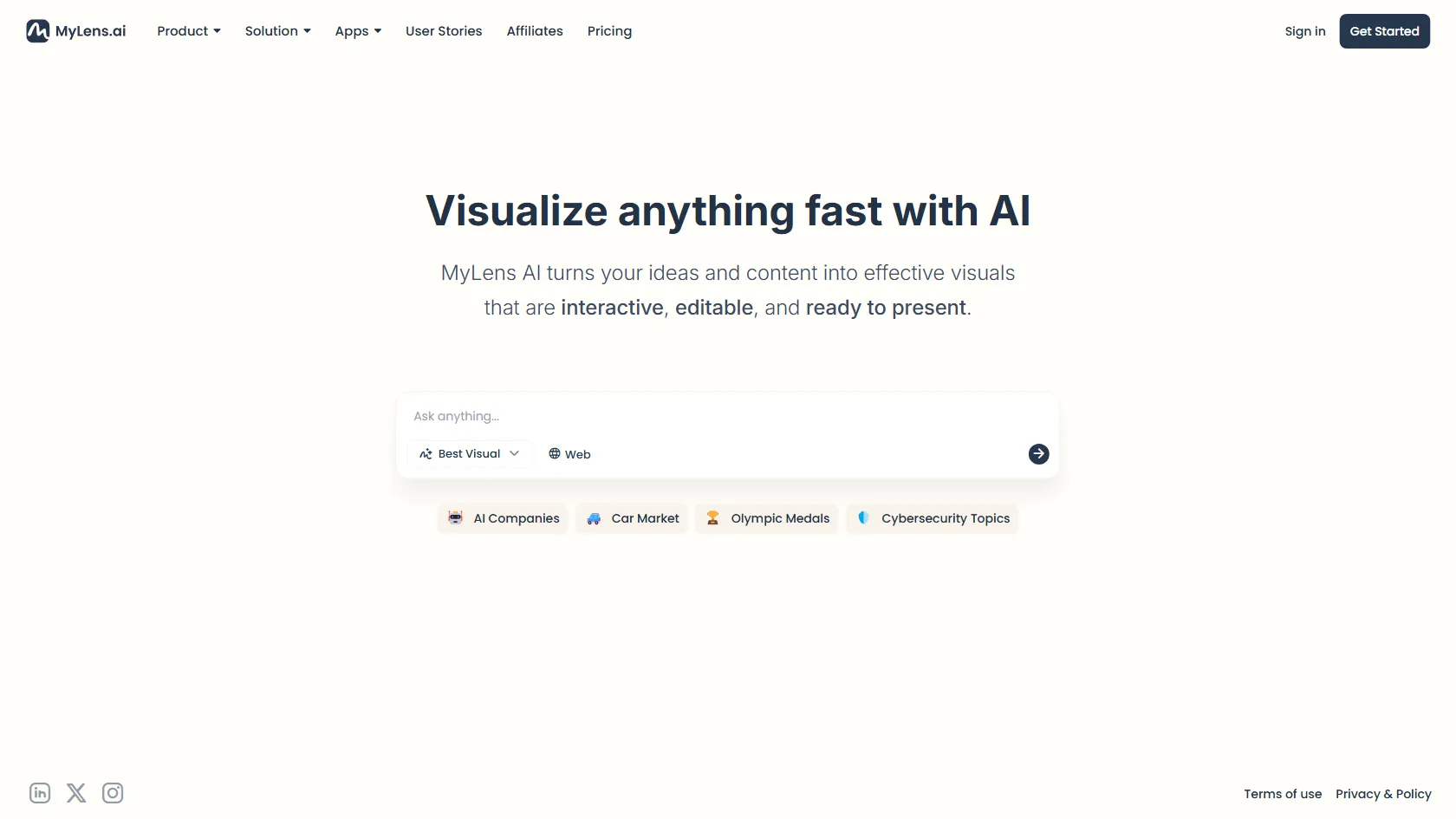
MyLens Features

  • Easily create interactive visuals from your ideas
  • Import PDF and Excel files effortlessly for a variety of input options
  • Generate mindmaps, timelines, and flowcharts with ease
  • Access editable and presentation-ready outputs for seamless sharing
  • Simplify complex information using advanced AI technology

MyLens Pricing

FREE + Paid Plans
$0 /month
+ Paid tiers available
No Credit Card Required

  • Free ($0): The pricing plan includes the ability to create 3 stories per day with 1 input allowed per story. Input sizes are small, and basic web search functionality is available. Stories created are public and non-editable.
  • Pro ($9/month): This plan includes 300 stories per month with the ability to input once per story. It offers input sizes that are 10 times larger, Pro Web Search, private stories, editable stories, and Pro Download & Share features.
  • Growth ($19/month): Receive 1,000 stories monthly with the ability to include multiple inputs per story. Enjoy 20 times larger input sizes, deep web search capabilities, and the option to incorporate your brand kit.
  • Enterprise (Custom): Included in the pricing plan are features such as Single Sign-On (SSO) and advanced security measures, personalized AI visualizers, support for large-scale data inputs, integration with enterprise systems, custom branding options, and a dedicated success manager.

Use Cases

  • Visualize complex subjects for better understanding as a student.
  • Summarize and present data findings effectively as a researcher.
  • Create quick presentations from reports as a business professional.
  • Generate visual summaries from articles as a content creator.
  • Design interactive learning materials as an educator.

Strengths

  • Effortlessly create interactive visuals from raw ideas
  • Import PDF and Excel files seamlessly for diverse input options
  • Generate mindmaps, timelines, and flowcharts with ease
  • Access editable and presentation-ready outputs for easy sharing
  • Simplify complex information with advanced AI technology

Weaknesses

  • Limited compatibility with certain devices or operating systems
  • Potential privacy concerns related to data collection and sharing
  • Dependence on internet connectivity for full functionality

How MyLens Works

1. Input your content (PDF, webpage, YouTube link, image, long text, CSV/Excel) into MyLens. 2. MyLens AI will then generate interactive visuals based on your input. 3. This tool is perfect for summarizing articles, visualizing data, and creating presentations in a fast and efficient manner.

Frequently Asked Questions (FAQ)

Yes, MyLens AI offers a free version for users to access its basic features and functionalities.

Yes, you can edit and customize the visuals created by MyLens to suit your specific needs and preferences.

MyLens allows you to input various types of content, including PDF and Excel files, to create interactive visuals like mindmaps, timelines, and flowcharts.

MyLens prioritizes data privacy and security by implementing measures such as encryption protocols and secure data storage to protect user information.

Yes, MyLens supports team collaboration by enabling multiple users to work on and share interactive visuals, making it a valuable tool for group projects and presentations.

MyLens Alternatives

Aden logo
Aden
5

AI-native multi-agent ERP platform for business operations.

Paid
Airbook logo

The GTM Data Platform for Analytics and Operations

Paid

An AI security tool to prevent sensitive data leakage.

Paid

AI-powered forms for better data quality and user experience.

Paid