What is VibrantSnap?

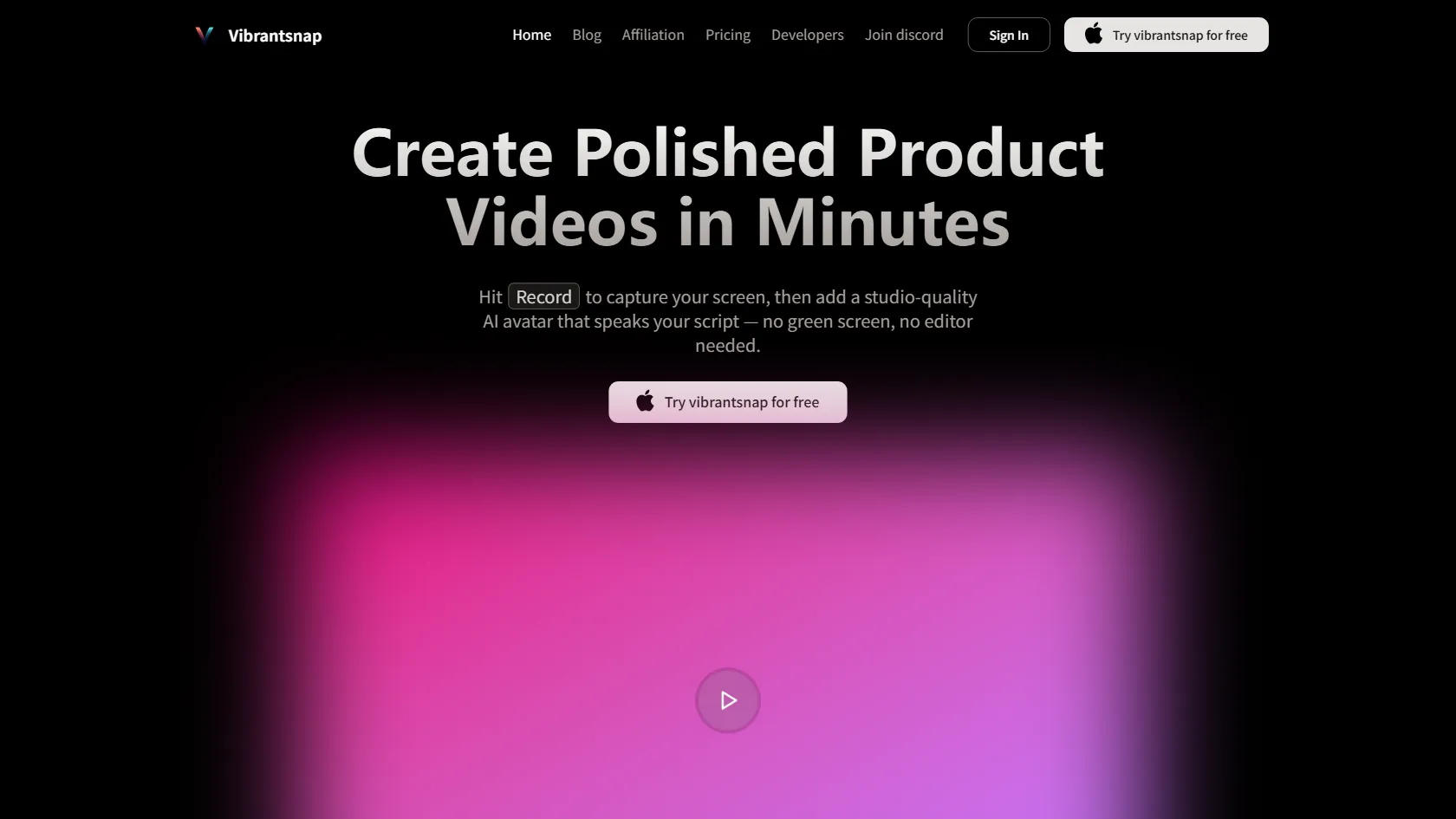
Elevate your product video creation with VibrantSnap's innovative features. Easily record your screen, enhance your presentation with AI avatars, and customize your videos with intuitive tools like drag-and-drop layouts and cursor zoom. Say goodbye to complex editing processes and green screens - VibrantSnap simplifies the video-making experience for all users.
VibrantSnap Features

  • AI Presenter for natural speech delivery
  • Easy-to-use professional layouts with drag-and-drop editing
  • Versatile capture modes for screenshots and videos
  • Effortless cropping and resizing for social media compatibility
  • Customizable animated backgrounds to enhance your content's style

VibrantSnap Pricing

FREE + Paid Plans
$0 /month
+ Paid tiers available
No Credit Card Required

  • Creator ($19/ Month + $1.70/min when using an avatar): Enjoy unlimited static screenshots and video recordings, along with 4K exports at 60 frames per second. Benefit from unlimited exports without avatars and the ability to record avatars for up to 5 minutes per session.
  • Growth ($49/ Month + $1.20/min when using an avatar): The Premium plan includes all features of the Creator plan, along with priority support, 4K exports at 120 frames per second, accelerated avatar rendering, and the ability to record avatars for up to 10 minutes per session.
  • Scale ($120/ Month + $0.75/min when using an avatar): The Premium plan includes all features of the Growth plan, along with a dedicated support channel, early access to new features, custom AI avatars, and the ability to record avatars for up to 20 minutes per session.

Use Cases

  • Marketers can create product demos 3 times faster to boost marketing strategies.
  • Educators can produce educational content without video editing expertise.
  • Content creators can enhance visuals with animated screenshots for social media.
  • Software engineers can display projects with polished demo videos.
  • SaaS marketing managers can efficiently generate UGC and marketing clips.

Strengths

  • Innovative AI Presenter for natural speech delivery
  • Easy-to-use professional layouts with drag-and-drop editing
  • Versatile capture modes for screenshots and videos
  • Effortless cropping and resizing for social media compatibility
  • Customizable animated backgrounds to enhance content's style

Weaknesses

  • VibrantSnap may have limited compatibility with certain devices or operating systems, which could restrict its accessibility for some users.
  • The tool's advanced features and customization options may require a learning curve for new users, potentially leading to a longer onboarding process.
  • There could be potential security and privacy concerns associated with sharing personal or sensitive information through the platform.

How VibrantSnap Works

With VibrantSnap, start by recording your screen. Next, incorporate an AI avatar to voice your script. The tool enhances your video with professional voice processing and seamless transitions automatically. Your content is then optimized for social media platforms, eliminating the need for additional editing.

Frequently Asked Questions (FAQ)

Getting started with VibrantSnap is simple and user-friendly. Just sign up, explore the intuitive interface, and start creating engaging videos with ease.

Yes, VibrantSnap is compatible with both Linux and Windows operating systems, providing flexibility for users across different platforms.

VibrantSnap stands out with its innovative features like AI Presenter for natural speech delivery, drag-and-drop editing layouts, versatile capture modes, and customizable animated backgrounds, making video creation effortless and professional.

Yes, VibrantSnap offers a free trial period for users to experience its features and functionalities before making a commitment.

VibrantSnap offers transparent pricing plans based on subscription models, allowing users to choose the plan that best fits their needs and budget. Pricing details can be found on the website.

VibrantSnap Alternatives

Veo3 Bot logo

Free Access to Google Veo 3 AI Video Generation with Native Audio

Paid

Try Google Veo 3 Free Online

Paid

Affordable Veo 3 API with Fast/Turbo & Quality Modes

Paid

Generate Realistic Videos with Synchronized Audio

Paid