
All In One Video Editing Tools In One Place
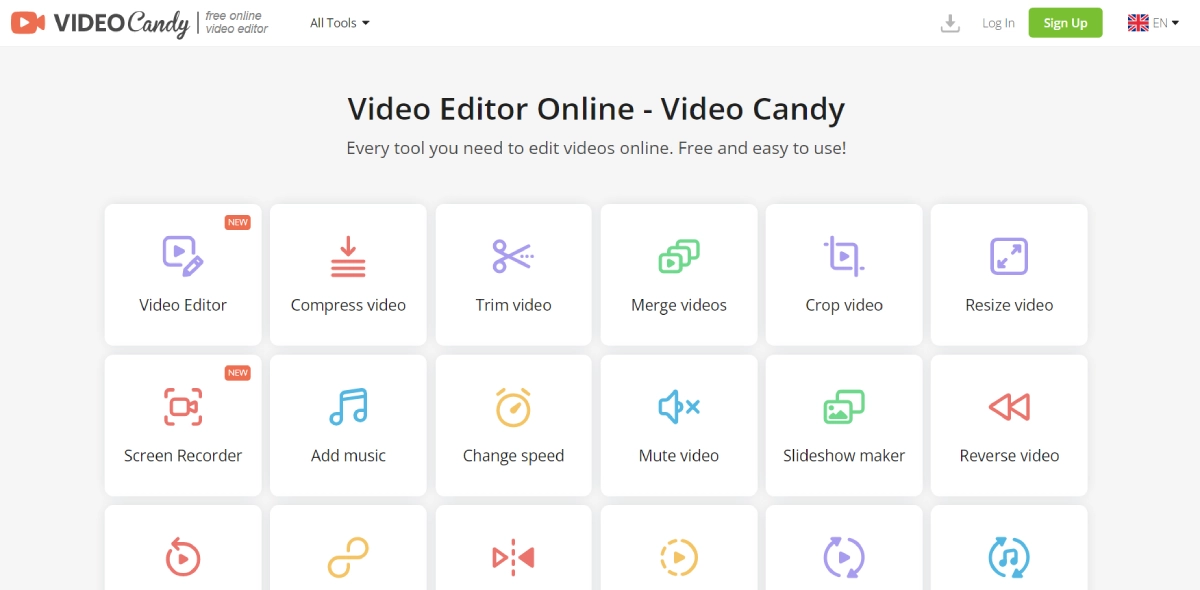
PaidVideoCandy is a free online video editor that allows you to edit videos directly in your web browser. Its intuitive drag-and-drop interface makes editing quick and easy, even for beginners. You can trim, cut, merge, crop, rotate, flip, reverse, and loop videos effortlessly. Adjust playback speed, extract audio, create slideshows with transitions and text, or make stop motion videos. Record screen, webcam, and audio for tutorials, add soundtracks from a music library or your own files. Customize with voiceovers and subtitles. No software download needed - simply import videos to start editing. Download finished videos as MP4s without watermarks or ads.
Plans start at $4.99/Month
Free Access to Google Veo 3 AI Video Generation with Native Audio
Try Google Veo 3 Free Online
Affordable Veo 3 API with Fast/Turbo & Quality Modes
Generate Realistic Videos with Synchronized Audio